
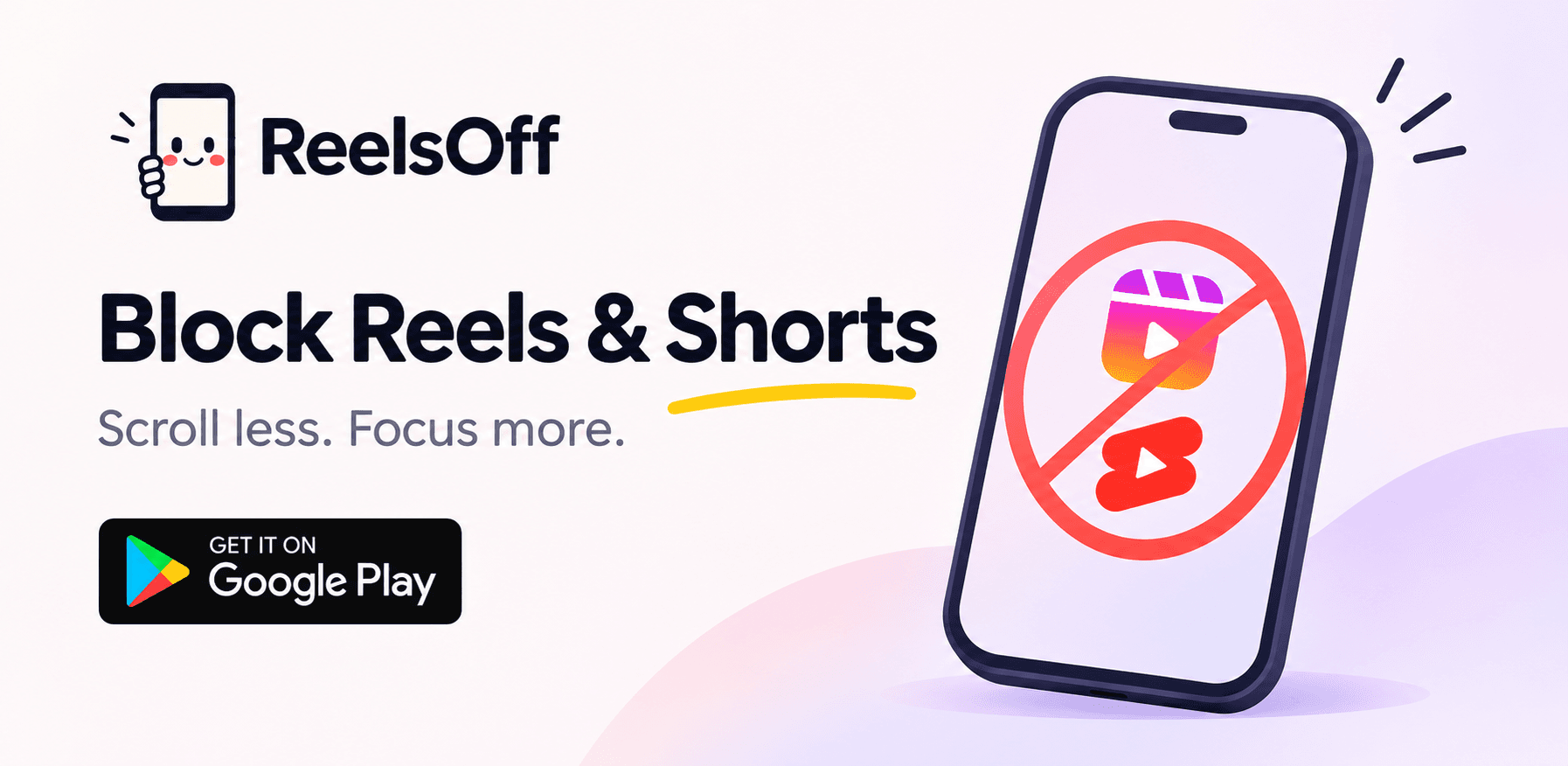
Block Reels & Shorts. Take back your time.
Block Instagram Reels, YouTube Shorts and Facebook Reels — only the short-video feeds, not the whole app — so you stop doomscrolling and take back your time and focus.
Free • Android only • No ads, no tracking

Blocked by ReelsOff
This Reels feed has been blocked. Take back your time.
Engineered to Break the Addiction Loop
A distraction-free experience designed to intercept infinite scroll mechanics without interrupting your messages, calls, or regular posts.
Use cases
Built for every kind of scroller
Whether it's Instagram, YouTube, Facebook, your kids, or your own focus — ReelsOff targets only the feeds that pull you in.
Block Instagram Reels
Block only the Reels feed, keep the rest of Instagram.
Learn moreBlock YouTube Shorts
Block only the Shorts feed, keep watching YouTube.
Learn moreBlock Facebook Reels
Block only the Reels feed, keep the rest of Facebook.
Learn moreReels Blocker for Parents
Manage kids screen time with password protection and courses.
Learn moreReels Blocker for Students
Reclaim focus and attention span for your studies.
Learn moreHow it works
Start blocking in 4 steps
Install, grant one permission, pick your mode. That's it.
- 1
Install ReelsOff from Google Play
Download ReelsOff from the Google Play Store. It is free to install.
- 2
Grant the Accessibility permission — it only identifies and redirects short videos
ReelsOff needs the Accessibility permission to detect and redirect short-video feeds. It does not read, access or collect your personal data.
- 3
Choose Hardcore to block completely, or AI Mode to gradually break the urge
Hardcore mode blocks Reels and Shorts completely. AI Mode gradually reduces your urge to watch short videos — no hard stop.
- 4
Optionally set a password so you cannot turn it off on impulse
Set a password so the blocking cannot be disabled on impulse. This is especially useful for parents and for self-control.
Features
Everything ReelsOff does
Targeted blocking, two modes, password protection, and privacy first.
Reels & Shorts Blocker
Eliminate distractions from popular social media apps (Instagram Reels, YouTube Shorts, Facebook Reels).
Hardcore mode
Completely block Reels and Shorts.
AI Mode
Gradually removes your urge to watch short videos using psychological patterns and AI blocking — no hard stop.
Password Protection
Protect access to the feature with a password.
Parental courses
Learn how to live with screens and distractive apps using specially curated courses.
Privacy First
Does not collect or share your personal data. No ads, no tracking.
Targeted Blocking
No need to block the entire app just to escape short-video addiction.
Accessibility Service
Uses the Accessibility Service / Accessibility API exclusively to identify and redirect short videos. It does not access, read or collect any personal data.
Two modes
Hardcore vs AI Mode
Pick the approach that works for you. You can always switch.
Hardcore mode
Hardcore completely blocks Reels and Shorts. When you open the feed, it does not load. This is the right choice if you want a clean break and full control.
- Complete block — Reels and Shorts do not load
- Best when you want to stop immediately
- Combine with a password so you cannot bypass it
AI Mode
AI Mode does not put a hard stop. It gradually removes your urge to watch short videos using psychological patterns and AI blocking. If you want a complete block, use Hardcore mode.
- Gradual reduction — no hard stop
- Uses psychological patterns and AI blocking
- Best for breaking the habit over time
How does ReelsOff compare?
See how targeted blocking compares to app timers, uninstalling, and doing nothing.
See the comparisonPricing
Free to download
ReelsOff is free. A Pro offering is available in-app.
Free
$0
Free to download and use.
- Block Instagram Reels, YouTube Shorts and Facebook Reels
- Hardcore mode and AI Mode
- Password protection
- Parental courses
- No ads, no tracking
Pro
Check Play listing
Pro — available in-app. Check the Play listing for the current price.
- Everything in Free
- See the Play listing for what Pro unlocks
See the Play listing for what Pro unlocks. We do not invent a Pro price — check the app for the current offering.
Blog
Latest from the blog
How to Block YouTube Shorts on Android
Learn how to block YouTube Shorts on Android without losing normal long-form videos, tutorials, and playlists.
November 14, 2026
How-toHow to Block Instagram Reels on Android
Block Instagram Reels on Android without deleting Instagram — ReelsOff blocks only the Reels feed.
November 14, 2026
Digital WellbeingThe Psychology of Doomscrolling: Why You Can't Stop and How to Break Free
Understand the neuroscience of variable rewards behind short-form video algorithms and practical steps to regain your focus.
November 13, 2026
FAQ
Quick answers
Common questions about ReelsOff.
What does ReelsOff block?
Instagram Reels, YouTube Shorts and Facebook Reels — only the short-video feeds, not the whole app.
Does it block Instagram or YouTube entirely?
No. Instagram, YouTube and Facebook still work for everything else. Only the Reels / Shorts feeds are blocked.
How do I block Reels on Android?
Install ReelsOff, grant the Accessibility permission, and choose Hardcore or AI Mode.
What is Hardcore mode?
Hardcore completely blocks Reels and Shorts.
Stop doomscrolling. Take back your time.
ReelsOff is free, Android only, and blocks only the Reels and Shorts feeds. No ads, no tracking.
Free • Android only • No ads, no tracking